An Example of Using the Subtotal Command in Excel

In the previous article we discussed the SUBTOTAL function https://windsongtraining.ca/an-example-of-using-the-subtotal-function-in-excel/ https://windsongtraining.ca/an-example-of-us…unction-in-excel/‎. In this post we will look at the SUBTOTAL command found on the Data tab in the Outline group.  Each Excel function provides a specific calculation.  We use any of the over 500 functions that Excel provides by typing an = sign in a cell [...]
Excel’s Data Model

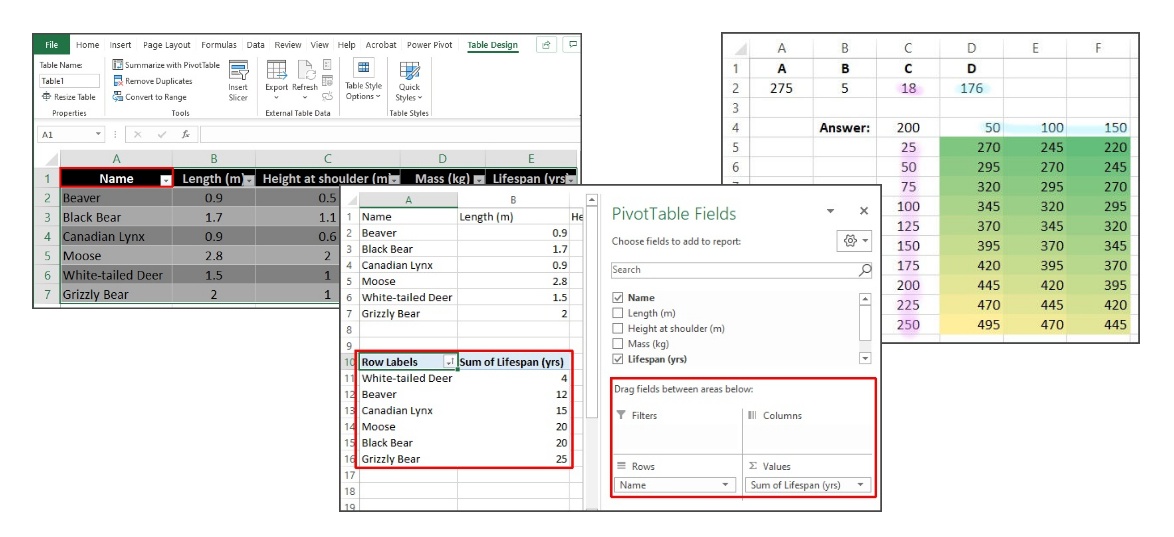
Microsoft Excel has a powerful and relatively new tool to add to the arsenal of data analysis tools that we are already accustomed to using, this is the Excel Data Model. Working together with Power Query and Power Pivot, the Data Model enables Excel users to work with much larger data sets than we could [...]

By |2022-07-29T17:57:19-06:00November 17th, 2021|Data Analysis, Data Model, Excel|0 Comments

The Word “Table” in Excel

Microsoft Excel is a spreadsheet program with an interface formed from a set of cells arranged in rows and columns. The columns are labelled with letters along the top of the work area, and the rows are numbered down the left side of the work area. Every cell has a unique address formed by combining [...]

By |2022-08-08T18:06:20-06:00September 29th, 2021|Excel, Tables, Tutorials and How-Tos|0 Comments

What-If Analysis in Excel

Excel's What-If Analysis tools allow us to change the values of inputs to a calculation and explore different possible results. In the following article we will consider a single, simple calculation and discuss how each of the three What-If Analysis tools: Goal Seek, Scenario Manager and Data Tables, can be applied. The commands for What-if [...]

By |2022-08-08T18:07:27-06:00September 21st, 2021|Data Analysis, Excel, What-if-Analysis|0 Comments

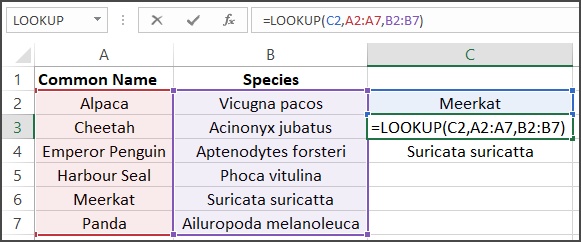
Excel’s Lookup Functions and Approximate Matching

Excel has 4 functions that allow us to find a value in a column or row, and return a value from a corresponding column or row. The lookup functions can be very useful and are easy to understand when they provide an exact match for a search item. In addition to exact matches, the functions [...]

By |2022-08-08T17:56:55-06:00April 20th, 2021|Approximate match, Excel, Lookup|0 Comments

Ranges in Excel

Functions in Excel can work with multiple cells by providing ranges as input parameters. The Excel documentation will refer to these ranges as either "vector" or "array" ranges. A range is specified by a beginning cell address, a colon, followed by the final cell address. A valid range in Excel looks like: D4:D10, which includes [...]

By |2021-04-14T17:39:44-06:00April 14th, 2021|Excel|0 Comments

A Few Words About the Pearson’s Correlation Coefficient.

“Politicians use statistics in the same way that a drunk uses lamp-posts for support rather than illumination” -A. Lang Statistics is a very complex subject and because of its complexity statistics and its terms are frequently misunderstood and misused. I came across an excellent article on The datapine Blog about how statistics can be misleading.  [...]

By |2021-03-26T17:45:50-06:00March 26th, 2021|Correlations, Excel, Statistics|0 Comments
Go to Top